Sigma guides
Everything here comes from building Sigma workbooks and moving reports into Sigma from Tableau and Power BI. Translate the formulas first, then plan, validate, and cut over in that order.

01
Translate formulas you already know
Worked examples with downloadable sample data.
 Every Sigma function, explained: the complete list with syntax and examplesAll 239 Sigma functions by category, with syntax, a one-line explanation, and worked examples.
 Excel to Sigma functions: a practical formula cheat sheetLookups, conditionals, dates, and text functions, with the Sigma version of each.
 Tableau to Sigma functions and concepts: a practical cheat sheetLOD expressions, table calculations, and parameters, and where they live in Sigma.
 Power BI DAX to Sigma formulas: a practical cheat sheetCALCULATE, filter context, and time intelligence rewritten for Sigma.
02
Build in Sigma
Specific workbook techniques.
 How to Build a Combo Chart in SigmaBars and a line on one chart, with a second axis.
 How to Merge Cells in Sigma Using Table GroupingGrouping instead of merged cells, and when a pivot table is the better choice.
 A customer retention dashboard in Sigma, in five reportsA five-report retention workbook on synthetic data that you can open and explore.
03
Plan a migration
Scope, timeline, and cost before anyone rebuilds a dashboard.
 What should a Sigma migration assessment include?What an assessment should produce, and what it should not promise.
 Which dashboards should you migrate, consolidate, or retire before moving to Sigma?Sort the inventory before it turns into the backlog.
 How to plan a Tableau to Sigma migrationTableau-specific planning: extracts, actions, and published sources.
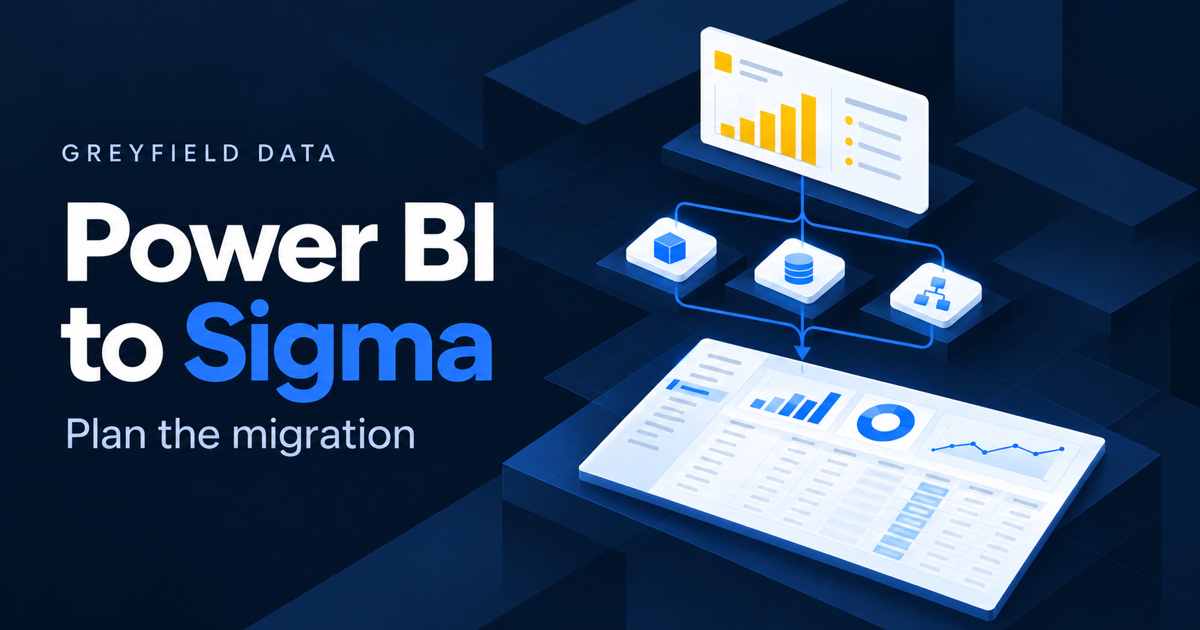 How to plan a Power BI to Sigma migrationPower BI-specific planning: semantic models, DAX, and row-level security.
 How long does a Power BI or Tableau migration to Sigma take?What moves the timeline, phase by phase.
 What determines the cost of a Power BI or Tableau migration to Sigma?The drivers behind a quote, so you can compare proposals.
 8 tests for choosing a useful Sigma migration pilotPick a first report that actually tests the hard parts.
 9 questions to ask a Sigma migration consultantQuestions that separate a plan from a pitch.
04
Choose a partner
Who does Sigma work, and who each firm fits.
05
Validate and cut over
Prove the new reports match before anyone switches.
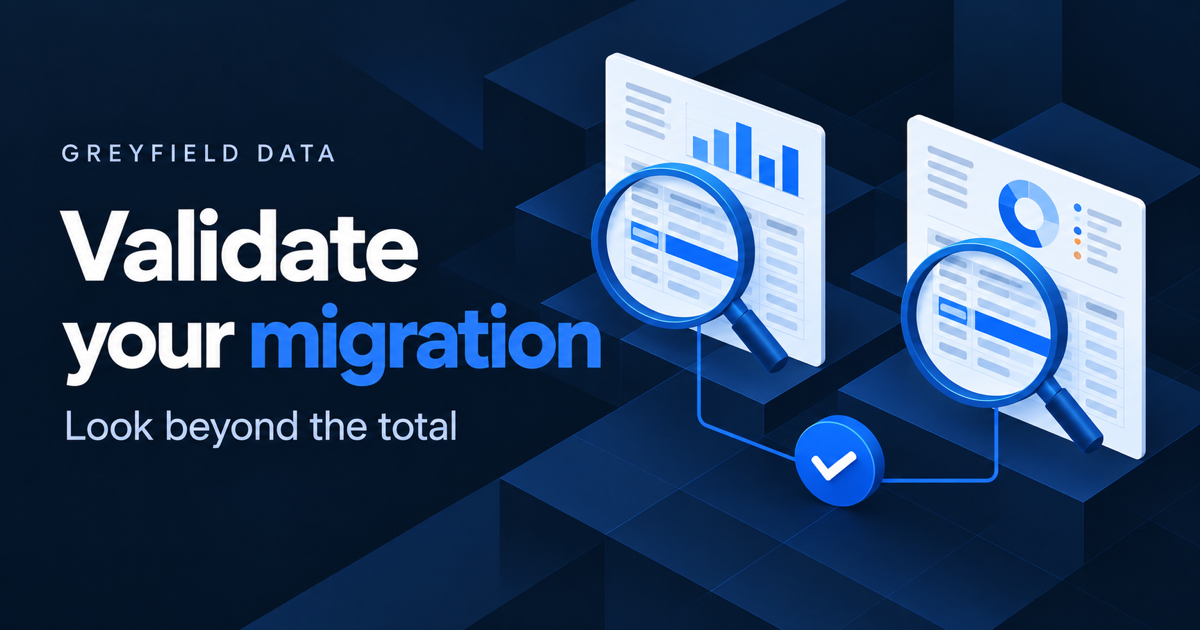 How to validate a Tableau or Power BI migration to SigmaCompare source and target at the same data cutoff, case by case.
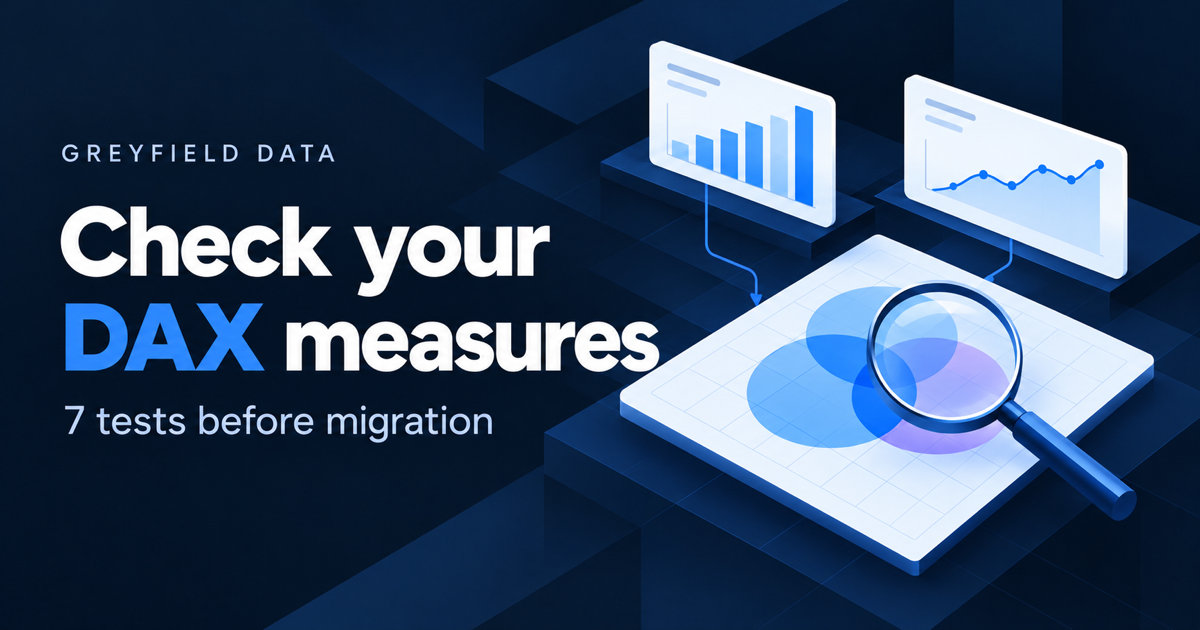 7 DAX measure tests to define before migrating Power BI to SigmaMeasure tests to write down before rebuilding Power BI logic.
 7 Tableau interactions to review before moving to SigmaFilters, actions, and drill paths that users notice when they change.
 10 checks before approving a Sigma migration cutoverThe last checks before the old tool is switched off.
More Sigma articles
Comparisons
Where another tool is the better fit, these pages say so.
- Sigma vs Tableau: an honest comparison from a consultant who builds both
- Sigma vs Omni: spreadsheet-first or model-first BI?
- Sigma vs Hex: BI for the business or notebooks for the data team?
- Sigma vs Metabase: when to pay for BI and when open source is enough
- Sigma vs Power BI: which fits a company on Snowflake?
- Sigma vs Looker: governed models or spreadsheet freedom?
Common questions
Can Tableau or Power BI dashboards be converted to Sigma automatically?
Not in a way you can trust without checking. The calculations, filters, and data models have to be rebuilt and then compared against the original, which is why validation gets its own section above.
Where should a migration start?
With an inventory and one representative pilot report. The pilot shows how long the harder patterns take, which makes the rest of the estimate far more reliable.
Do I need Snowflake to use Sigma?
No. Sigma runs on several cloud data warehouses, including Snowflake, BigQuery, Databricks, and Redshift. What matters more is that the data is modeled for reporting before it reaches Sigma.