Snowflake guides
Guides for teams running Snowflake without a full-time platform engineer. Start with the setup, connect the tools your team already uses, then keep an eye on what each warehouse costs.

01
Start here
What Snowflake is and the first decisions to make in a new account.

02
Connect the tools your team uses
Step-by-step connections, including the settings that usually break.
 Connect Excel to Snowflake with a private key on WindowsWindows Excel over ODBC with key-pair authentication, plus the PRIV_KEY_FILE errors to expect.
 Connect Excel for Mac to Snowflake with a private keyThe macOS version: driver loading, User DSNs, and key-file access.
 How to Connect Claude to Snowflake (Step-by-Step)Snowflake MCP for Claude: account identifier, hostname, default role, and grants.
 How to Connect ChatGPT to Snowflake (Step-by-Step)The same setup for ChatGPT, with a least-privilege role and a read-only test query.
03
Define your metrics once
Semantic layers in plain words, then built in Snowflake for dashboards and AI questions.
 What is a semantic layer? A plain-English guideA data dictionary with the metrics defined: what goes in one, the tool options, and when you need it.
 How do you build a semantic layer in Snowflake with semantic views?CREATE SEMANTIC VIEW on an orders and customers model, how to query it, and how Cortex Analyst uses it.
04
Cost and performance
Find out why credits moved before resizing anything.

05
Choose and fill a warehouse
Platform and pipeline decisions for brands bringing several sources together.
 The data stack, mapped: 61 tools by the job they doA map of 61 tools by the job they do, and which layers to set up first.
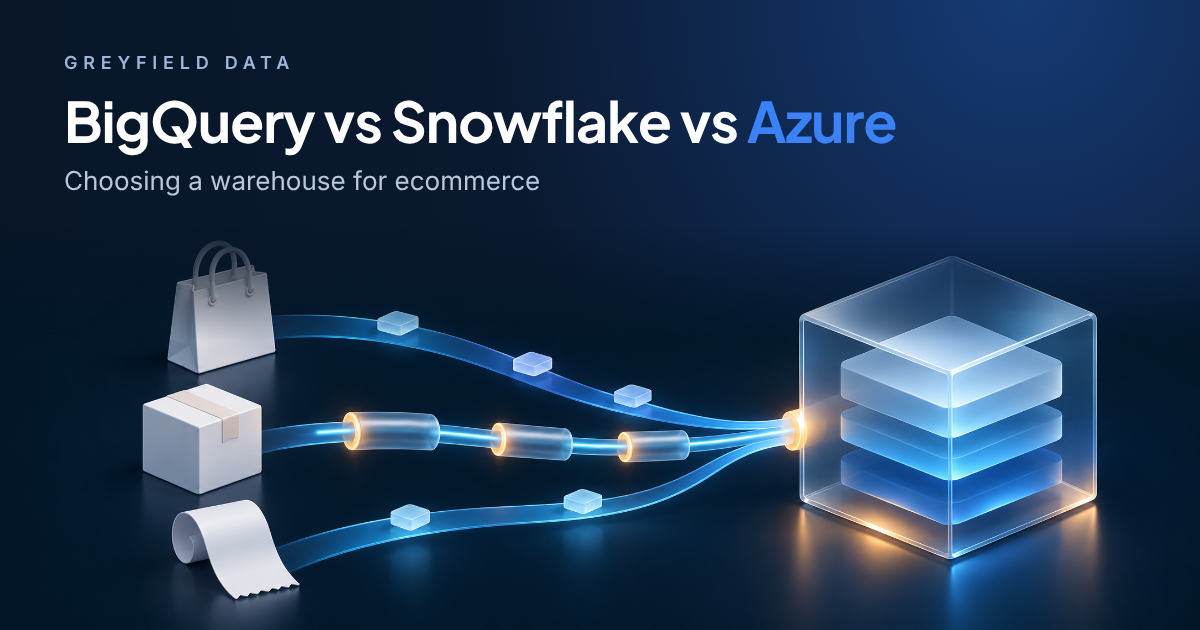 BigQuery vs Snowflake vs Azure for EcommerceBigQuery, Snowflake, and Azure compared on pricing model and ecosystem fit.
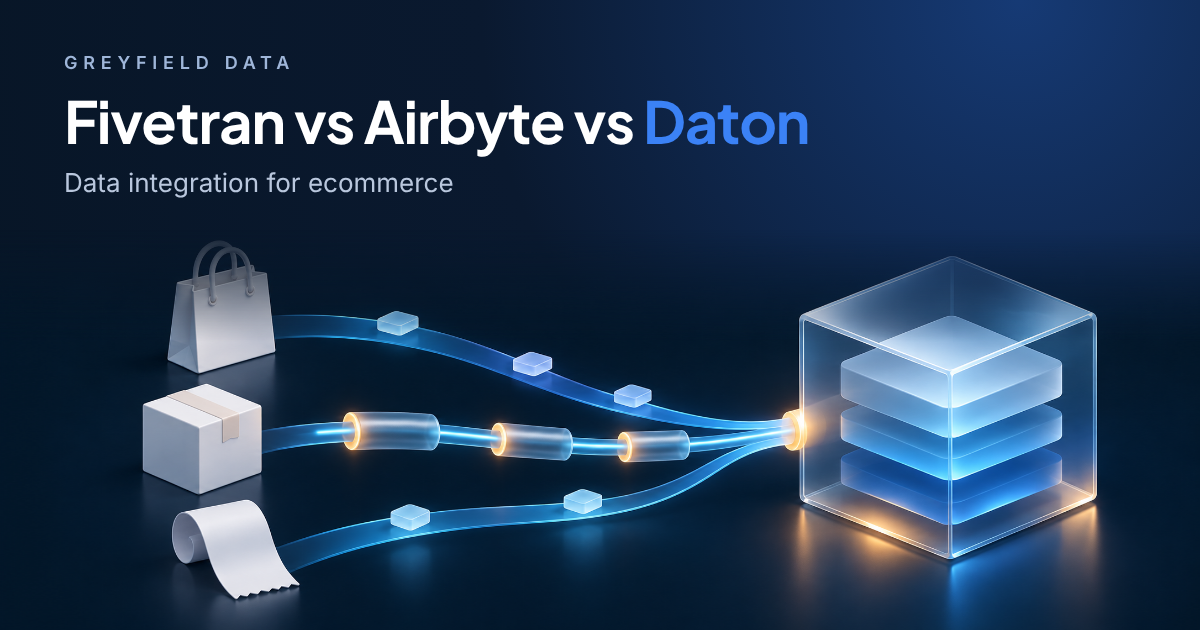 Fivetran vs Airbyte vs Daton for EcommerceWhich loader to use for Shopify, Amazon, and ad platforms.
 Bronze, silver, and gold data layers explained with an ecommerce orderHow raw, cleaned, and reporting layers fit together, using one order.
06
Choose a partner
Compare consulting firms before you sign a statement of work.
Common questions
Do I need a separate warehouse for each team?
Not at first. Separate warehouses are useful when you need to see who is spending credits or when one workload slows another down. Many small accounts start with one for loading and one for reporting.
Which authentication should Excel and BI tools use?
Key-pair authentication keeps a Snowflake password out of each tool, and it works with the ODBC driver Excel uses. The Excel guides above cover the setup on Windows and Mac, including where the key file has to live.
Why did my Snowflake bill go up when data volume did not?
Common causes are a warehouse that never suspends, a dashboard refreshing more often than anyone reads it, or queries that take a long time to compile. Check query history by warehouse before changing sizes.