Manufacturer Programs Without the Manual Reporting
What they ask for, why files get sent back, and how to automate it so your team stops rebuilding spreadsheets every week. Written for owners, administrators, and directors of operations at infusion centers in a manufacturer or hub data program, with an appendix for whoever builds the files.
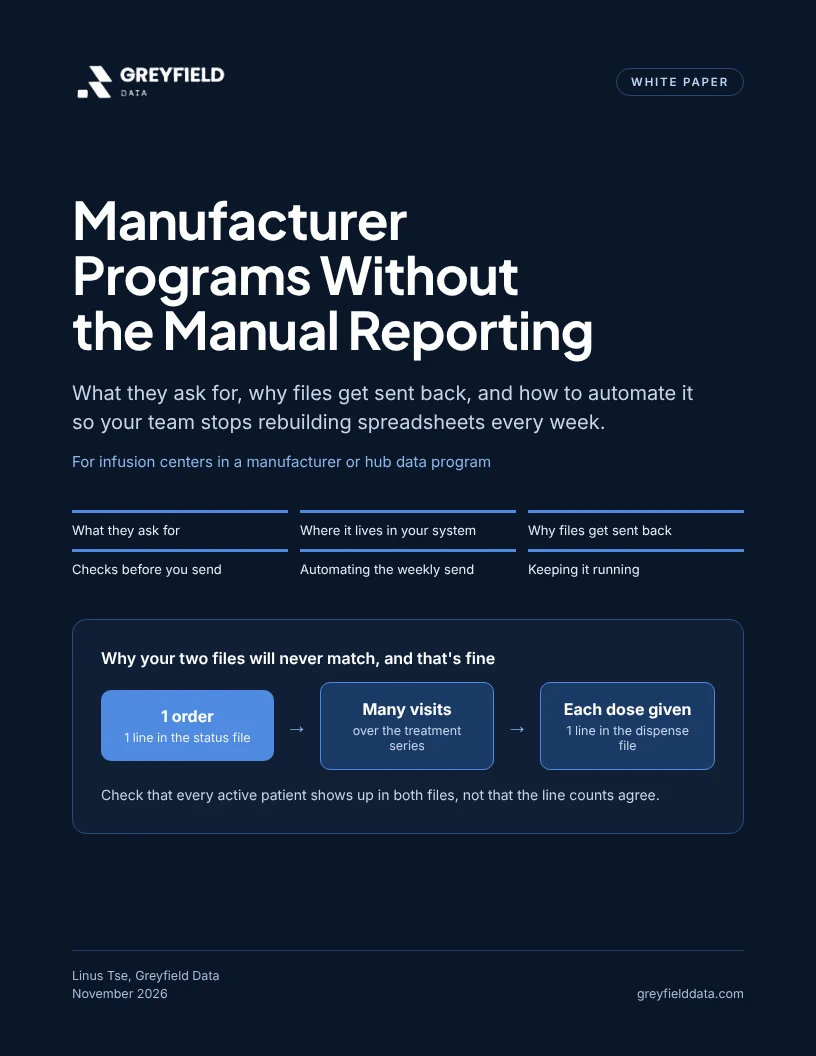
Get the white paper
PDF, 17 pages, 165 KB
What's inside
What the program asks for, and where it lives
The status, dispense, inventory, and patient files most programs require, what one line in each stands for, and the records in your system each one is built from.
Why files get sent back
The six decisions behind most returned files, why your status and dispense files will never match line for line, and why a blank should stay blank.
Checks before you send, and automating the weekly file
The checks to run before each file goes out, a worked example that compares both files patient by patient, and how to set up a saved report that delivers on a schedule.
Keeping it running, plus an appendix for the builder
A short weekly check that each file arrived and was complete, then field lists, file format, full file versus changes only, and a one-page checklist for whoever builds the files.
Contents
- Who this is forpage 3
- 1. What they ask forpage 4
- 2. Where it lives in your systempage 5
- 3. Why files get sent backpage 6
- 4. Checks before you sendpage 7
- Worked example: patient by patientpage 8
- 5. Automating the weekly sendpage 9
- 6. Keeping it runningpage 10
- For whoever builds the filepage 11
- File format, full file or changes onlypage 14
- The eight checks in detailpage 15
- One-page checklistpage 16